
A film camera for your wedding.birthday.reunion.concert.
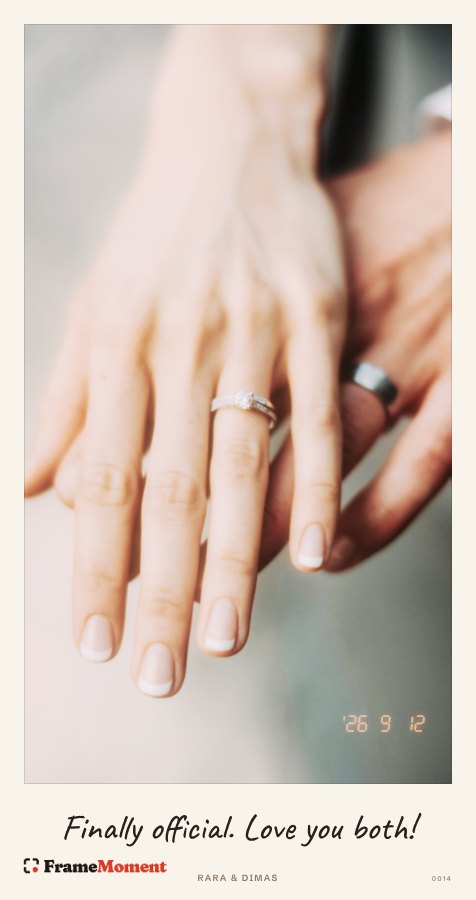
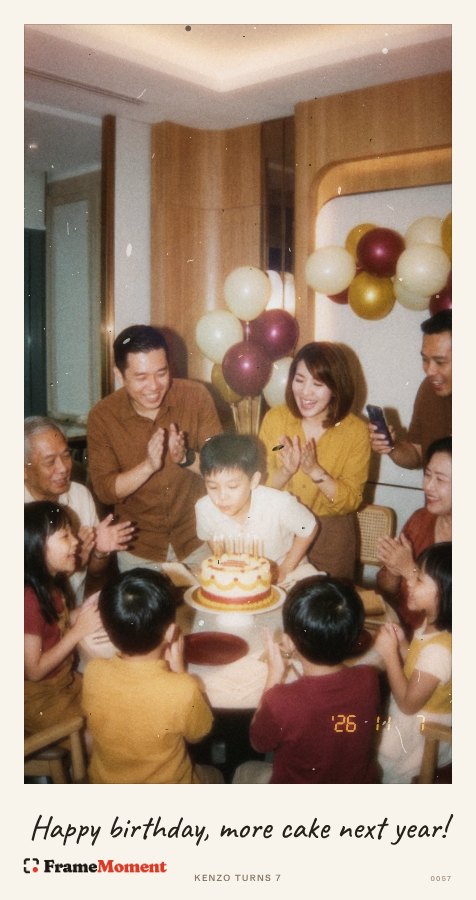
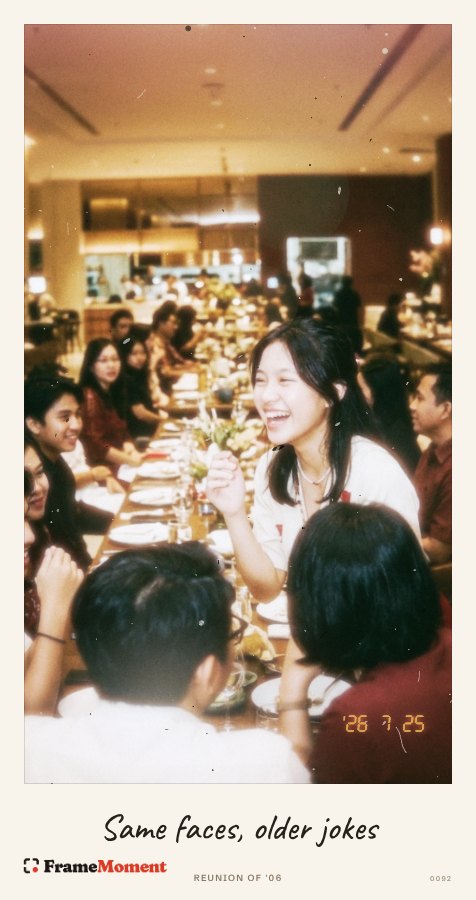
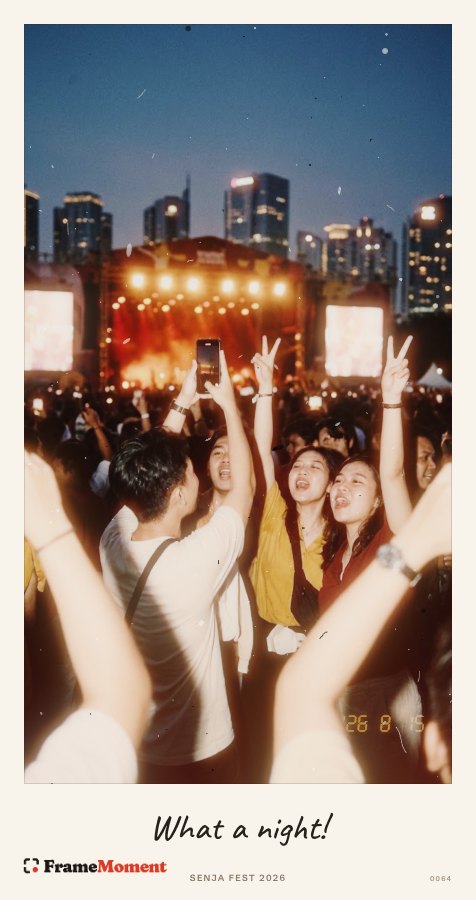
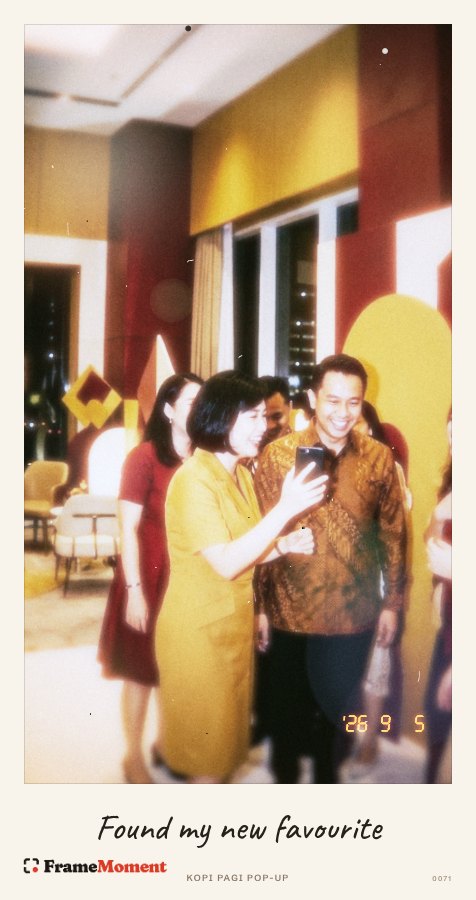
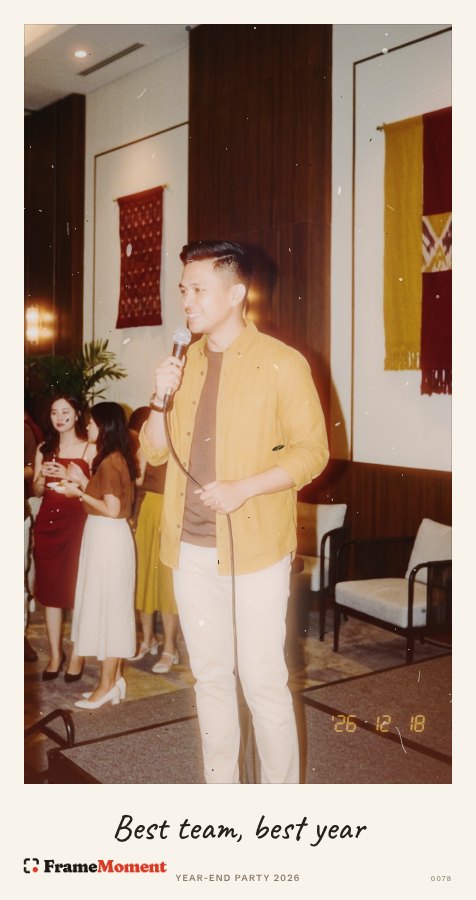
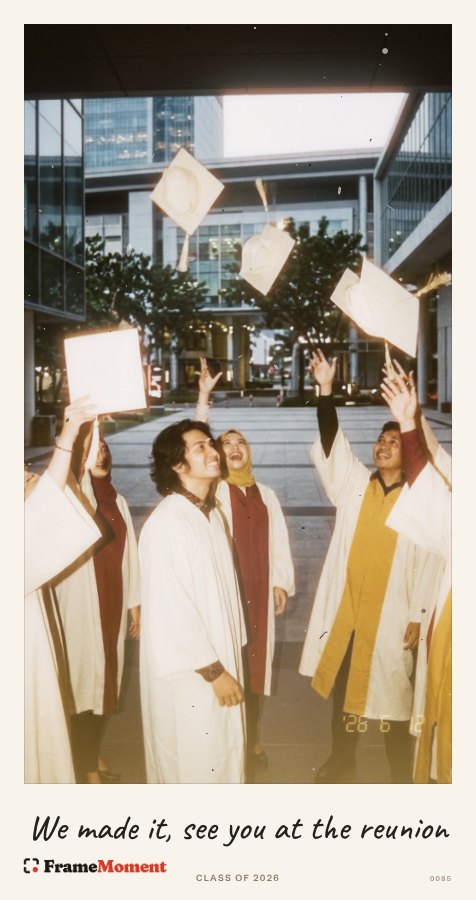
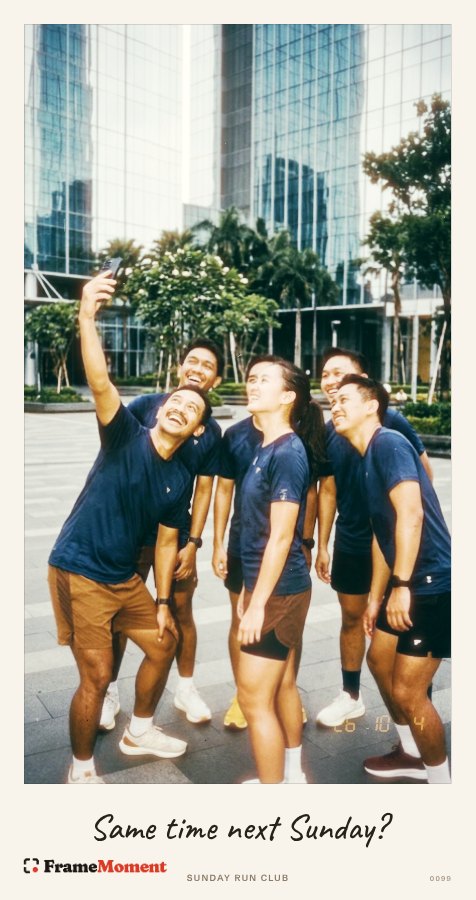
Guests scan one QR code and shoot boomerangs and photos on their own phones. Every shot comes out as a film print, with a note from whoever took it.
Free for 5 guests. No app to install.
Three steps
Set it up in two minutes
Say how many guests, name your day, pick a film look.
Put the QR code on the tables
We make the poster. Guests just scan.
Wake up to an album
Every shot is there the next morning, ready to download.
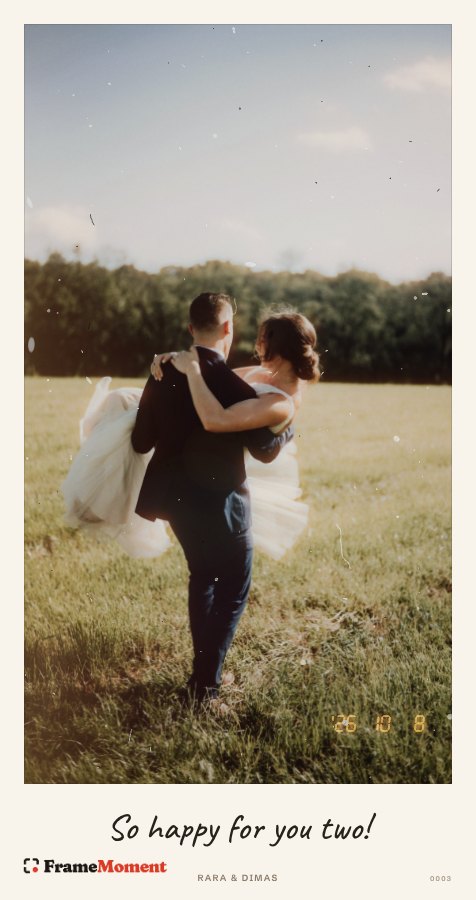
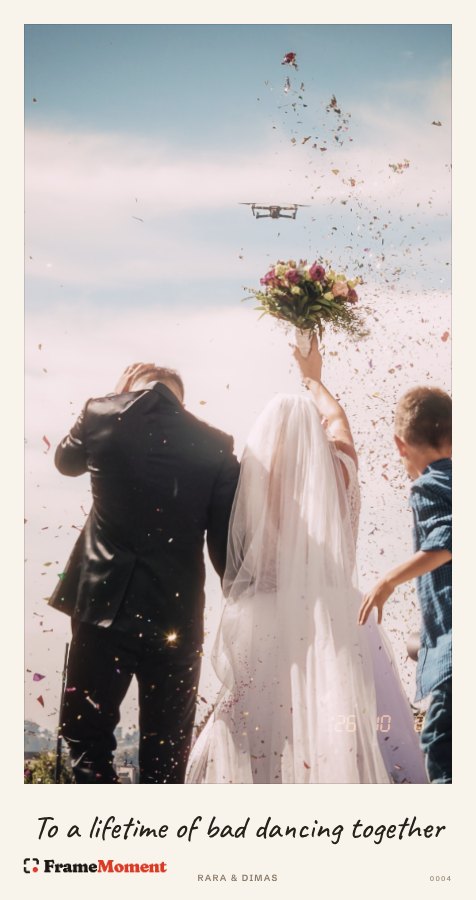
A guestbook made of photos
Real film looks
Colour and grain are measured from real film. It is not a filter.
A note on every print
Guests write to you right on the photo.
One album for everyone
It fills up during the day. Download all of it afterwards.
You stay in charge
Approve photos first if you like, remove any of them, delete everything.
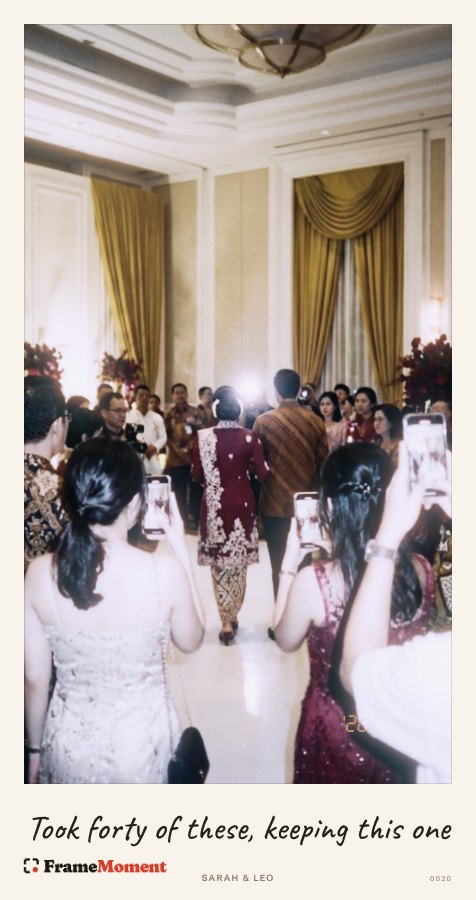
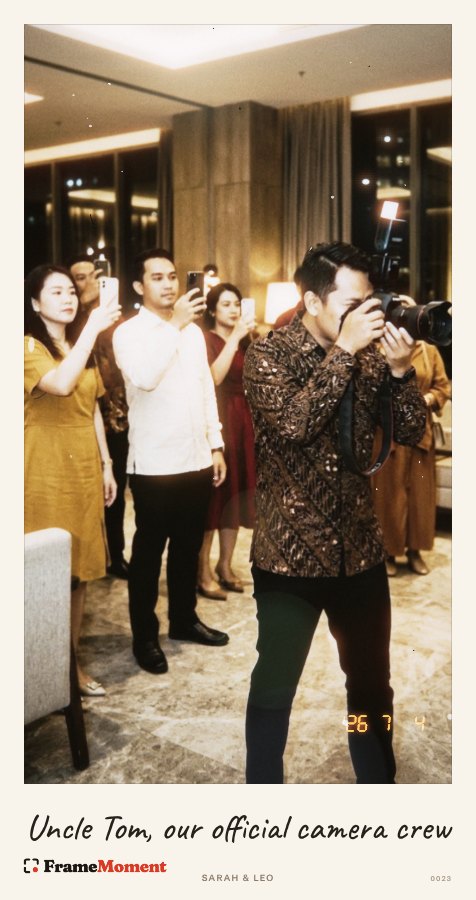
What the guests catch
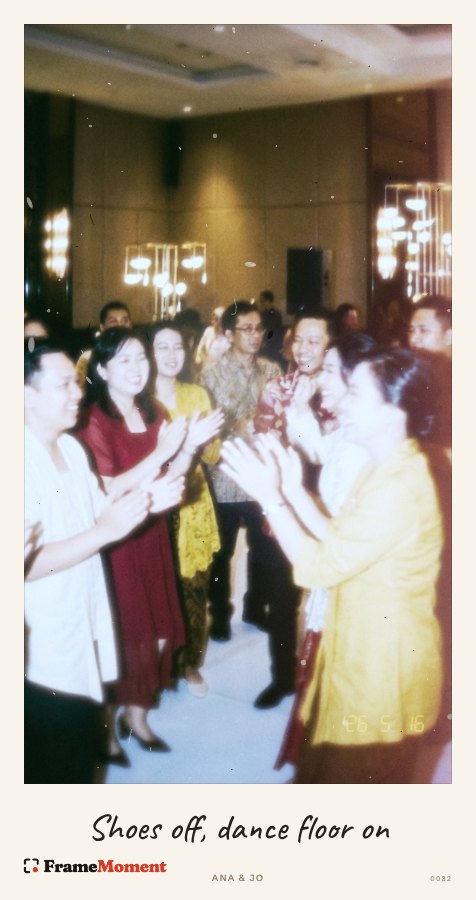
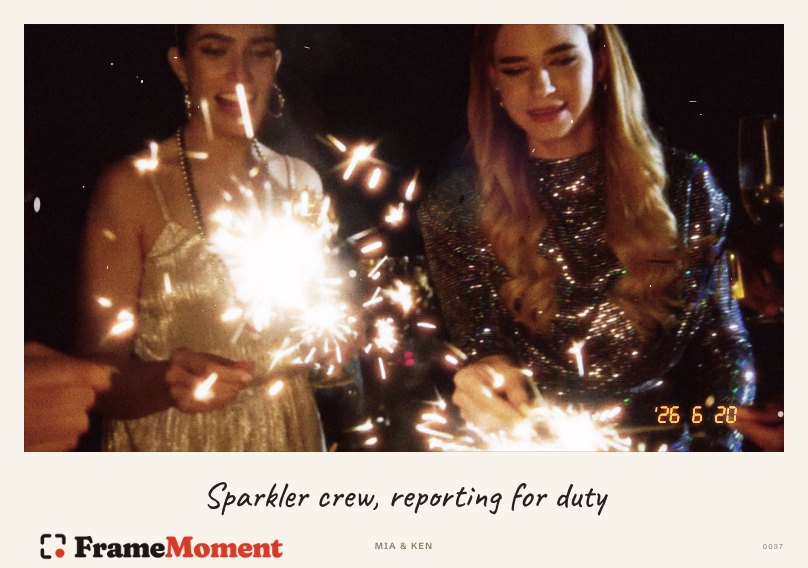
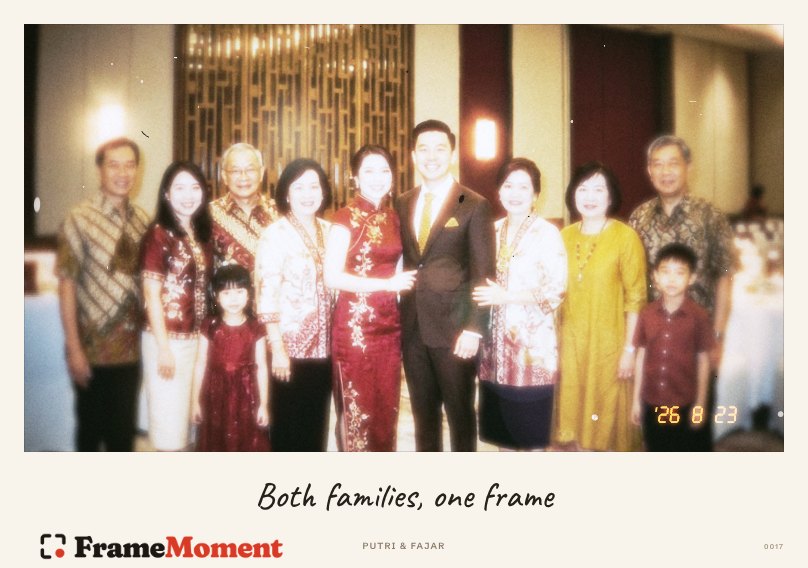
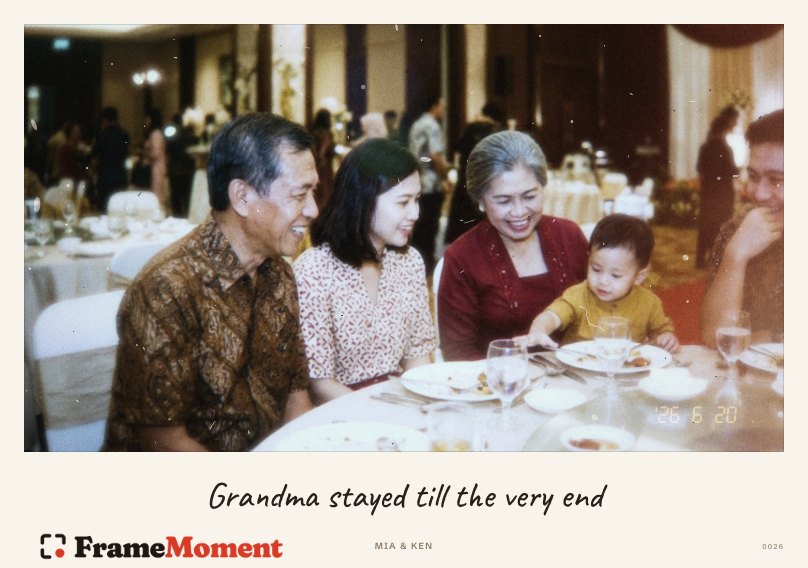
Sample prints from different weddings, developed by FrameMoment with the free looks.

Prices for a wedding
| Guests | Price | Choose |
|---|---|---|
| Up to 5 | Free | Start free |
| Up to 50 | Choose | |
| Up to 100 | Choose | |
| Up to 200 | Choose | |
| Up to 300 | Choose | |
| Up to 1,000 | Rp500,000$49 | Choose |
Choose your number of guests above. You pay right after your event is made, and the plan switches on the moment the payment comes in.
Every plan has 2 rolls of 27 shots per guest, boomerangs, 2 film looks, the shared album and the download.
Free events carry a small FrameMoment logo on each print. Buying anything for the event removes it.
Not a wedding?
The same camera works for any gathering. For 500 guests and up, the create page shows the price for your size.
Work with FrameMoment
For wedding organizers, MCs, photographers and venues. Offer FrameMoment as part of your package: you set it up once per wedding, the couple keeps the album. Write to us about partnership terms.
Common questions
Do guests need to install an app?
No. They scan the QR code and the camera opens in their browser.
Do I need an account?
Yes, a Google account. “Continue with Google” creates it the first time, and it is how you open your event again from any phone or laptop.
Who can see the photos?
Anyone at the event with the QR code or the link. You can choose to approve each photo first, and you can remove any photo.
How long are the photos kept?
The album stays open for 3 months, then moves to an archive for one year. You can download everything, or delete the event and all its data, at any time.
Can I remove the FrameMoment logo from the prints?
Yes. Free events carry a small logo in a corner. Buying a plan or an add-on removes it.
How do I pay?
Pick your number of guests and create the event. A payment screen opens right after: QRIS, e-wallet or bank transfer. Your plan switches on as soon as the payment comes in, usually within a minute.
I paid, but my plan did not change.
Open your host page: it checks again. Still nothing? Type the Ref ID from your payment receipt on the payment screen, or write to hello@framemoment.xyz with it.